Overview
When your printer runs out of ink, it's tempting to grab the cheapest replacement cartridge you see. But those letters on the box—like XL, XXL, or High Yield—aren't just marketing fluff. They indicate the page yield, or how many pages you can print before the cartridge runs dry. Most people ignore these labels and end up paying far more per page than necessary. In this tutorial, you'll learn how to decode cartridge names, calculate cost per page, and choose the right cartridge to save money—up to 50% or more.
Prerequisites
- Knowledge of your printer model (check the front or back label).
- Access to a computer, smartphone, or calculator.
- Internet access to look up official page yield specifications.
- (Optional) A spreadsheet app for comparing multiple options.
Step-by-Step Instructions
1. Identify Your Printer Model and Compatible Cartridges
Find your printer's exact model number—usually printed on the front, back, or inside the cartridge access door. Write it down. Then search online for "[printer model] compatible cartridges" to see a list of standard and high‑yield options. For example, an HP OfficeJet Pro 9015e uses HP 962 cartridges in standard, XL, and XXL sizes.
2. Understand Cartridge Naming Conventions
Manufacturers use consistent terms:
- Standard: No extra letter (e.g., HP 962 Black). Typically lowest page yield.
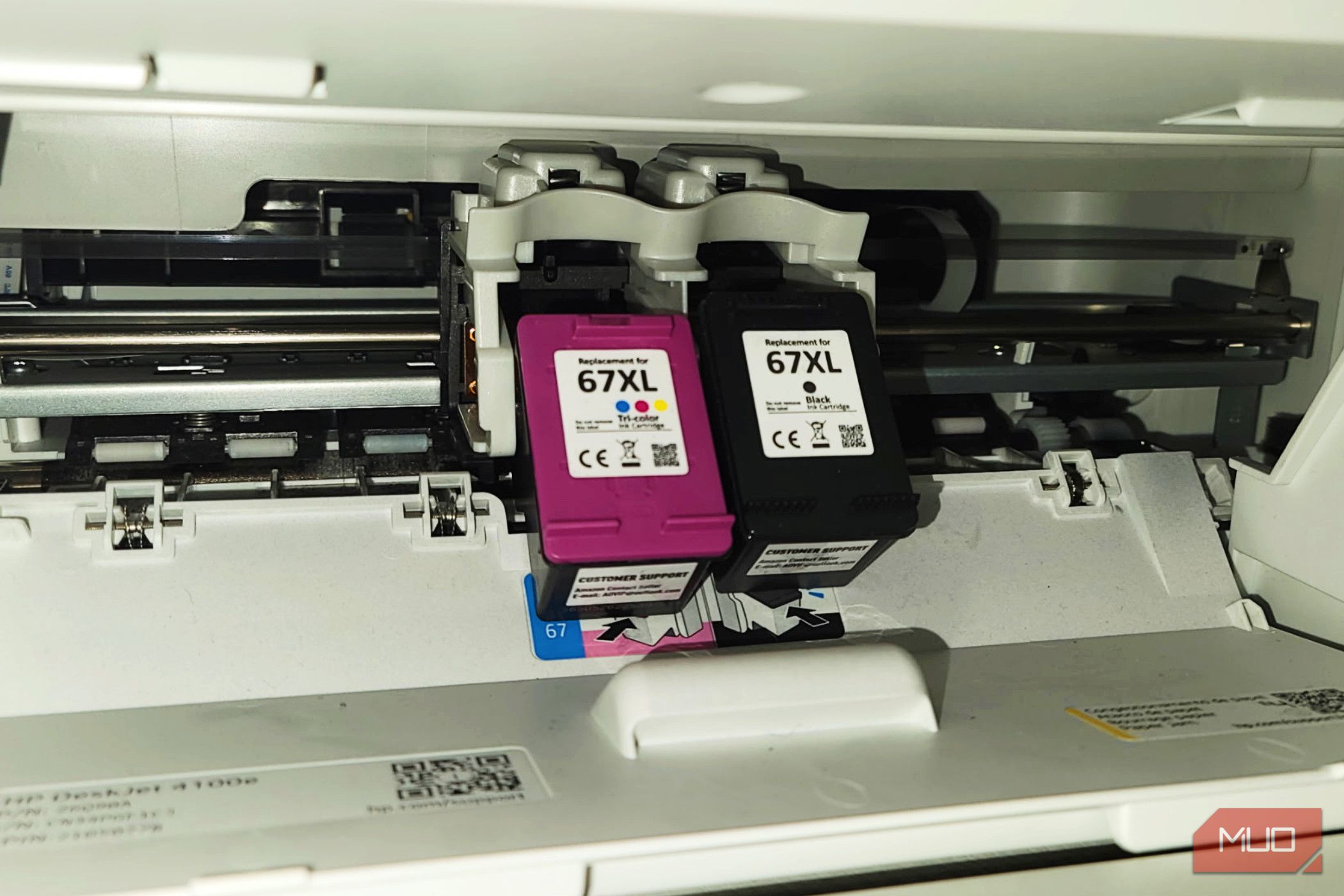
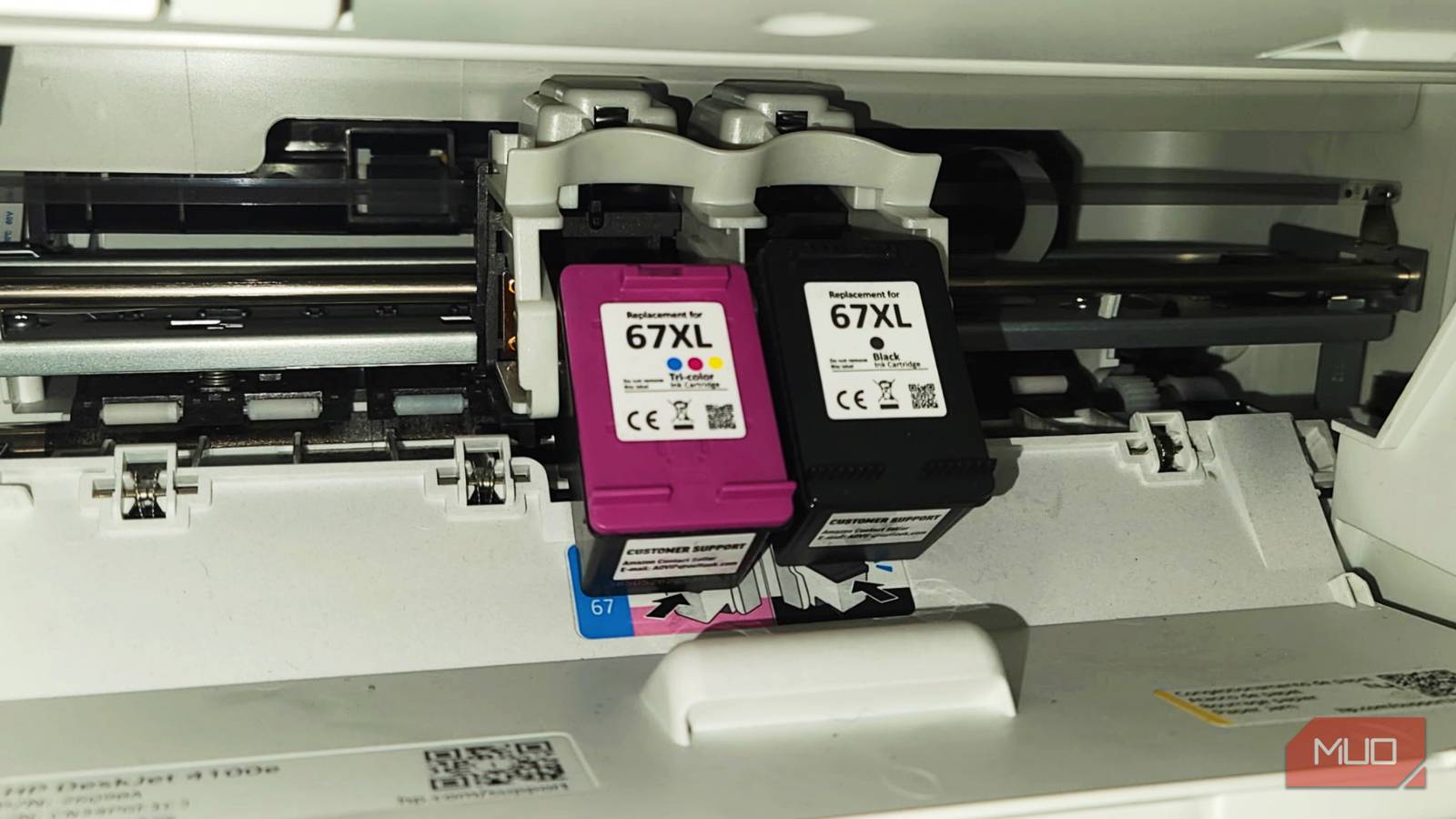
- XL: Extra Large or High Yield (e.g., HP 962XL Black). Often 2–3× the standard yield.
- XXL or Extra High Yield: Even higher page count (e.g., Canon PGI‑280XXL).
- Value Pack or Multi‑Pack: Usually combines several cartridges (CMYK) in one box—not necessarily the best value.
- Remanufactured/Compatible: Third‑party cartridges; yields can vary.
Always check the fine print for the official page yield—manufacturers test using ISO/IEC 24711 (for color) or ISO/IEC 24712 (for black).
3. Find the Page Yield for Each Cartridge
Go to the printer brand’s website or reputable retailers. For each cartridge, note the black page yield and color page yield (if applicable). Example:
- HP 962 Black Standard: 300 pages
- HP 962XL Black: 1,200 pages
- HP 962XXL Black: 2,000 pages
Write these down. If the yield isn’t listed on the product page, search for the cartridge part number + “page yield.”
4. Calculate Cost Per Page
This is the key metric. Formula:
Cost per page = Price of cartridge ÷ Page yield
- Find the current price for each cartridge (check multiple stores).
- Divide the price by the page yield.
- Compare: a $30 standard cartridge that yields 300 pages costs $0.10 per page. A $50 XL cartridge yielding 1,200 pages costs only $0.042 per page—a 58% savings.
Repeat for color cartridges, but note that color page yield is usually lower (about half of black). Use the same calculation per color.
5. Compare Across Brands and Cartridge Sizes
Create a simple table (on paper or in a spreadsheet) listing cartridge names, prices, yields, and cost per page. Include third‑party options, but be aware that some may have lower or inconsistent yields. For example:
- Canon PG‑245 Black (standard): $20 for 300 pages = $0.067/page
- Canon PG‑245XL Black: $35 for 800 pages = $0.044/page
- Generic compatible: $12 for 250 pages = $0.048/page (if yields are accurate).
Choose the option with the lowest cost per page that fits your usage.
6. Consider Your Printing Volume
If you print infrequently (e.g., once a month), a high‑yield cartridge might dry out before it’s empty. In that case, a standard cartridge could be more economical despite a higher cost per page, because you reduce waste. For frequent printing (daily or weekly), go for the largest yield to maximize savings.
7. Decide and Purchase
Based on your calculations, buy the cartridge that gives you the best value for your specific usage. If you’re willing to risk lower quality, generic cartridges can offer good cost per page but may cause clogs or void your warranty—always check reviews.
Common Mistakes to Avoid
- Only looking at the shelf price: The $40 XL cartridge might seem expensive, but it often delivers more than twice the pages of a $25 standard.
- Ignoring page yield discrepancies: Some retailers list “up to x pages” based on 5% coverage—real‑world use might be lower. Look for verified specs.
- Buying the largest cartridge for infrequent use: Ink can dry or expire after 2–3 years, wasting money.
- Assuming all “XL” labels are equal: Each brand defines its own yields. Always compare actual page numbers.
- Forgetting color cartridges: Color yield is typically half of black; high‑yield color cartridges offer better savings if you print photos.
- Neglecting subscription services: Some manufacturers (e.g., HP Instant Ink, Epson EcoTank) charge per page, not per cartridge. This can be cheaper if you print often, but read the fine print.
Summary
By decoding the letters on printer ink cartridges and calculating cost per page, you can significantly reduce your printing expenses. The key is to ignore the initial price tag and focus on the page yield. Use the formula price ÷ yield to compare all options, and match your purchase to your printing frequency. Avoid common pitfalls like buying XL cartridges for rare use or assuming all generics are equal. Implement these steps to stop overpaying for ink.