Every PC gamer has been taught the same mantra: higher FPS equals a better experience. We obsess over benchmark numbers, chase the latest GPU upgrades, and leave framerates uncapped in pursuit of that magic number. But what if the very thing we're chasing is actually making our games feel worse? I found that out the hard way, and here's what I learned. In this listicle, I'll share 8 tips that shifted my focus from average FPS to true smoothness. Let's dive in.
1. The Myth of Average FPS
We all love seeing a high number in the corner of the screen. But average FPS is just that—an average. It hides spikes and stutters that ruin immersion. A game averaging 120 FPS can still feel choppy if the frame time varies wildly. Instead of chasing the highest average, consider prioritizing consistent frame delivery. That's where real smoothness lives.
2. Frame Pacing Matters More
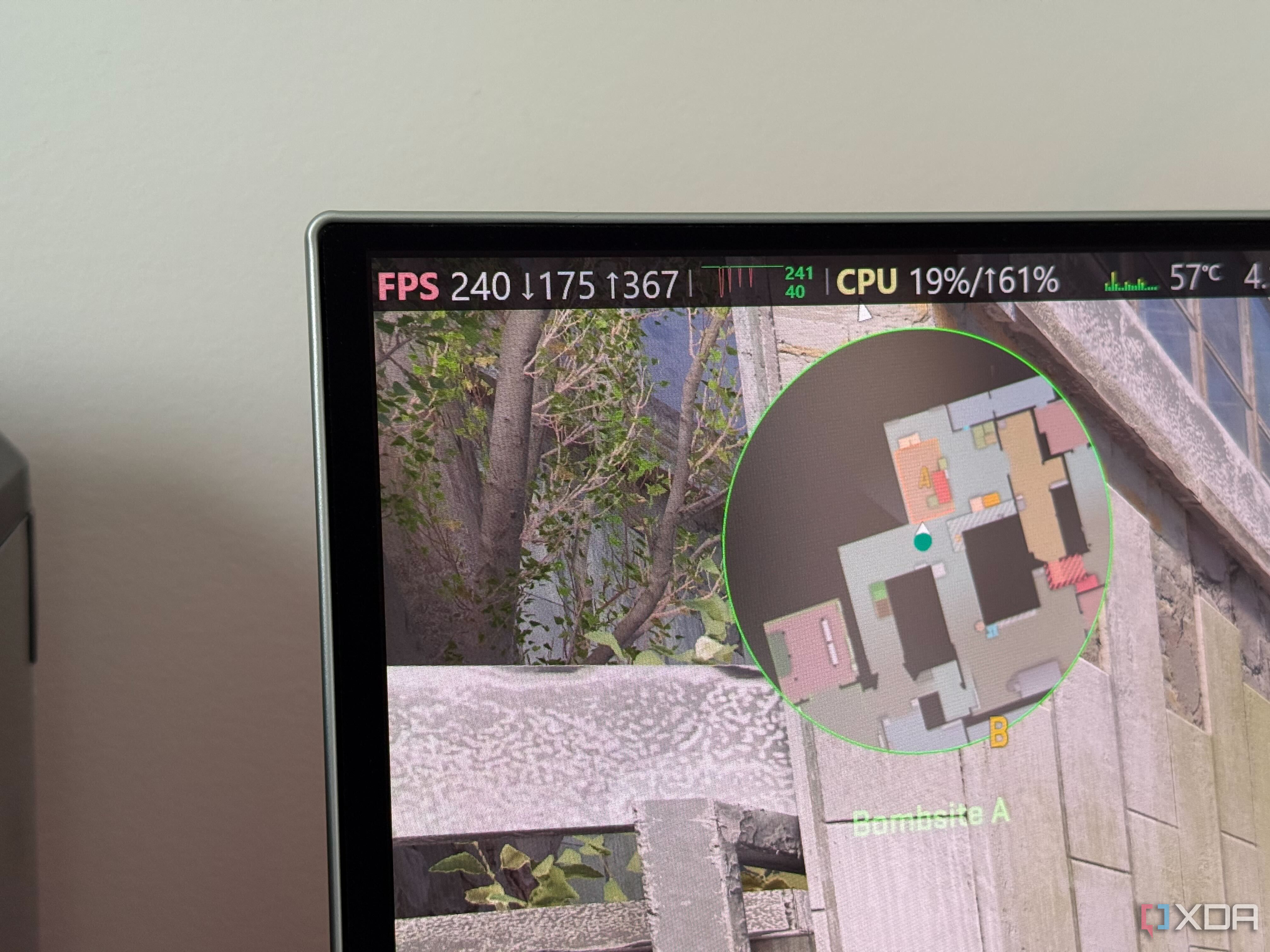
Frame pacing is the time between each frame. Even if your GPU pushes 100 FPS, a single frame that takes twice as long can cause a perceptible hiccup. Modern monitors with variable refresh rates help, but they can't fix erratic pacing. Tools like RTSS (RivaTuner Statistics Server) let you monitor frame times. Aim for a flat line, not a rollercoaster.
3. Don't Ignore V-Sync and Adaptive Sync
V-Sync gets a bad rap for adding input lag, but used correctly, it prevents screen tearing. Better yet, pair it with G-Sync or FreeSync to eliminate tearing without the lag penalty. Set your game's FPS cap just below your monitor's refresh rate (e.g., 141 FPS on a 144Hz display) to keep VRR engaged and avoid V-Sync's double buffering penalty.
4. Cap Your Frame Rate for Consistency
Uncapped framerates cause the GPU to run at 100% usage, generating heat and noise, and often introducing micro-stutters when the CPU can't keep up. By capping FPS to a value your system can maintain (say, 60 or 90), you free up headroom, reduce stutters, and get a more predictable experience. Many games have a built-in limiter, or use RTSS for this.
5. Watch Your 1% and 0.1% Lows
Benchmarks love to show average FPS, but the real story is in the lows. The 1% low tells you the frame rate for the slowest 1% of frames; the 0.1% low shows the worst-case scenario. If your game dips from 100 FPS to 30 FPS for a split second, you'll feel it. Optimize for raising those lows, not just the peak.
6. Balance CPU and GPU Load
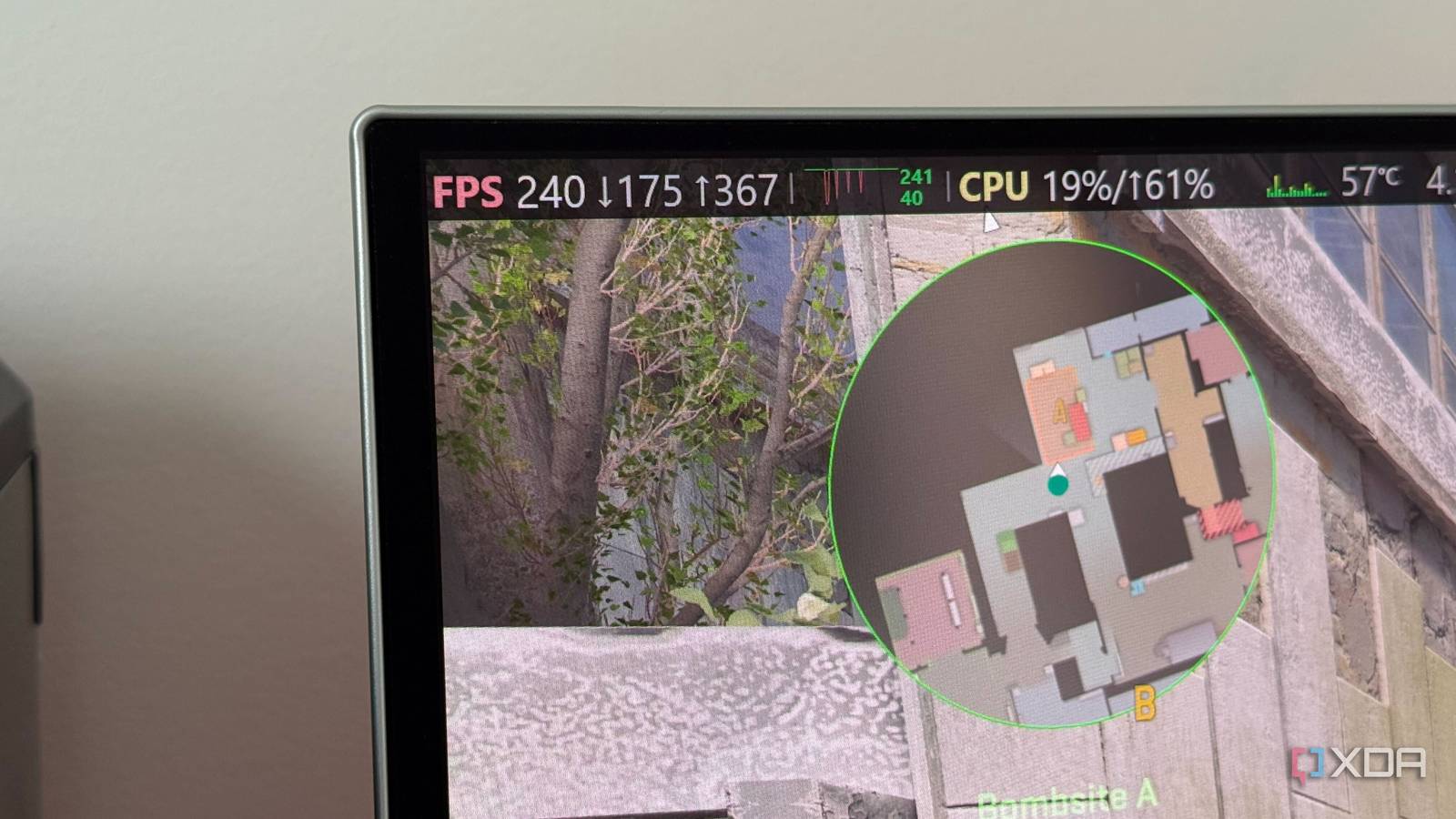
A GPU bottleneck is often seen as “good” because it means the graphics card is the limit, but if the CPU is stuttering, no amount of GPU power helps. Uneven load distribution—like a single thread hitting 100%—causes frame drops. Check your per-core usage. If one core is maxed out while the GPU loafs, consider reducing settings that stress the CPU (e.g., draw distance, physics). Smoothness requires harmony.
7. Optimize Settings for Perception, Not Numbers
Higher settings look great, but they can tank frame pacing. Turn down options like shadows, reflections, or volumetric lighting if they cause frame time spikes. The human eye notices smooth motion more than ultra textures. Experiment: drop a few settings until you get a stable framerate, then enjoy the buttery feel.
8. What I Did Instead: The Personal Solution
After years of chasing the highest average FPS, I switched to capping at 90 FPS with G-Sync enabled. I tweaked settings to ensure my 1% lows never fell below 80 FPS. The result? My games feel smoother than ever, even though my average dropped by 20%. I stopped obsessing over benchmark numbers and started enjoying gameplay. Try it—you might be surprised.
In conclusion, the pursuit of the highest average framerate can lead to a less enjoyable gaming experience due to inconsistent frame pacing, stutters, and unnecessary system strain. By shifting focus to smoothness, frame pacing, and adaptive sync technologies, you can achieve a noticeably better feel without chasing ever-higher numbers. Test these tips for yourself and rediscover what smooth gaming truly means.