When you chat with an AI assistant, every word you type isn't just for getting answers—it's often scooped up to train the very model you're using. This practice can expose your private life, finances, health details, and even your employer's secrets. The good news? You can take control. In this listicle, we'll walk through why you should care and exactly how to lock down your data.
1. Understand How AI Chatbots Learn From Your Data
Large language models (LLMs) like ChatGPT, Gemini, and Claude don't just answer questions out of thin air. They're trained on enormous datasets—billions of words from websites, books, and, yes, your own conversations. Every prompt you send is a potential training example. The company behind the chatbot feeds this data back into the model to make it smarter, but that means your words become part of the model's permanent knowledge. It's like teaching a student with your diary entries—without your explicit permission.
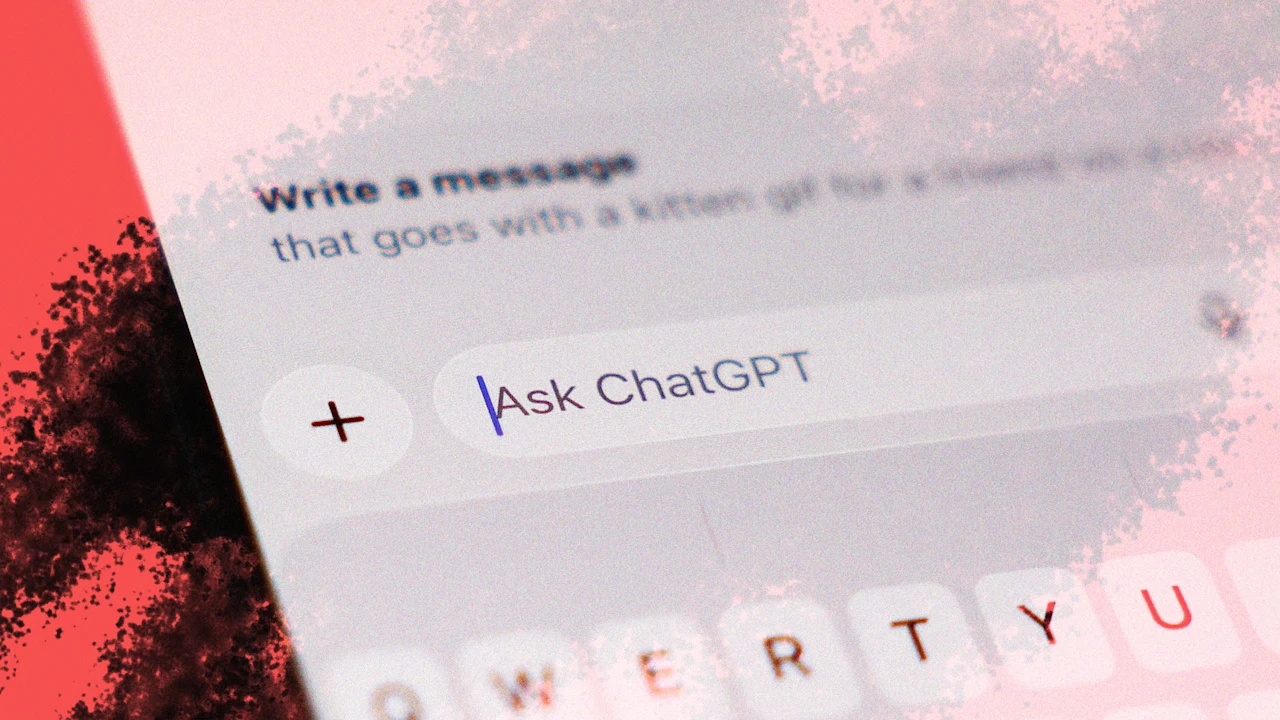
2. Your Sensitive Information Gets Absorbed
Think about what you might ask a chatbot: health symptoms, financial advice, relationship issues, legal questions. All of that is valuable training material. Default settings often allow the company to use your conversations for model improvement. This means details you'd never tell a stranger could become part of the AI's memory. Even if the company claims to anonymize data, the sheer volume of personal prompts makes it hard to guarantee true privacy.
3. Anonymization Is Not a Silver Bullet
AI companies say they strip identifying information before using your data. But anonymization is notoriously tricky. Researchers have shown that supposedly anonymous data can often be re-identified by cross-referencing multiple prompts. For example, if you mention your rare medical condition in one chat and your city in another, someone could link those details back to you. Until perfect anonymization exists, your words remain vulnerable.
4. Employer Confidentiality Is at Risk
Using a chatbot at work? You might be feeding it proprietary code, client lists, or trade secrets. Many chat apps don't automatically exclude workplace data from training. One careless prompt could leak your company's next product launch or a confidential legal strategy. Even if the AI's output is secure, the input becomes part of the model, potentially accessible to other users or competitors via clever prompts.
5. Legal and Regulatory Consequences
Regulations like GDPR and HIPAA impose strict rules on handling personal data. If you share protected health information or European user data with an AI chatbot that trains on it, your organization could face heavy fines. The chatbot company's privacy policy might not shield you from liability. It's your responsibility to ensure that sensitive data never enters the training pipeline.
6. You Have the Right to Opt Out—But It's Hidden
Most major chatbot providers allow you to disable training on your data, but they bury the setting in menus. For example, in ChatGPT, you need to go to Settings > Data Controls and toggle off "Improve the model for everyone." Similarly, Google's Gemini has a "Your activity" dashboard where you can turn off training. These options exist, but they're designed to be missed—so don't assume you're opted out by default.
7. Step-by-Step: Opt Out of ChatGPT Training
To stop ChatGPT from using your conversations: click your profile picture, select Settings, then Data Controls. Turn off the switch labeled "Improve the model for everyone." Also delete past chats manually if you want. On the web, go to Chat History & Training and disable training. This prevents future prompts from being used, but old data may still be stored—so consider deleting chat history as well.
8. How to Lock Down Other Popular Chatbots
For Google Gemini, visit the Activity dashboard at myactivity.google.com, find Gemini App activity, and turn off the toggle. For Claude by Anthropic, go to Settings > Privacy and disable "Use conversations to improve Claude." Microsoft Copilot often ties to enterprise accounts, but the free version may share data. Check the privacy settings in each platform regularly, as companies sometimes reset them during updates.
9. Don't Forget About Third-Party Plugins and Extensions
Many chatbot platforms allow plugins—tools for writing, coding, or research. These third-party services may have their own data policies. Even if you disable training in the main chatbot, a plugin could still harvest your input. Always review the privacy policy of any plugin you install, and consider using chatbots that are built with privacy-first principles, like those that run locally on your device.
10. Regularly Audit Your Data and Settings
Privacy settings can change. After an update, your opt-out preference might revert. Set a calendar reminder every few months to check each chatbot's data controls. Also review the chat logs stored in your account—delete any conversations that contain sensitive info. Staying proactive is the best way to ensure your private thoughts stay private.
Your conversations with AI don't have to become raw material for training. By taking these steps, you protect not only your own privacy but also that of your colleagues, clients, and loved ones. Don't let convenience cost you control—act now to stop your data from being fed to the machine.